

Vacation Home Maintenance Log Template for Co-Owners
A vacation home maintenance log should record what was observed, what the group decided, who owned the work, what was completed, where the supporting evidence lives, and what happens next. Unlike a checklist, the log preserves the history of each repair or service after the reminder has been checked off.
Copy the template below into one shared spreadsheet, document, or task system. Create one record per issue or recurring service, give it a stable ID, and update that same record until the work is completed, deferred with a review date, or replaced by a new recurring entry.
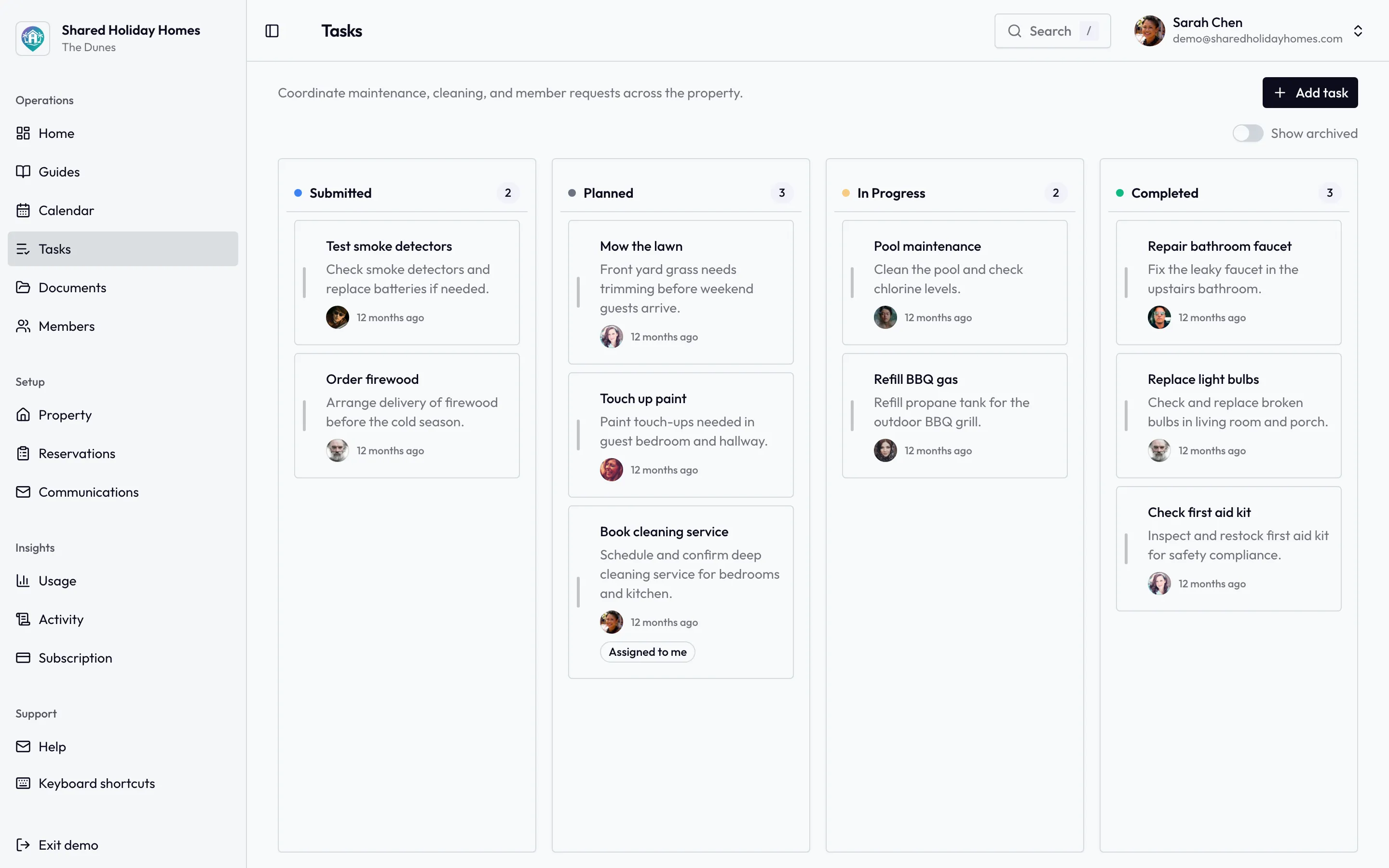
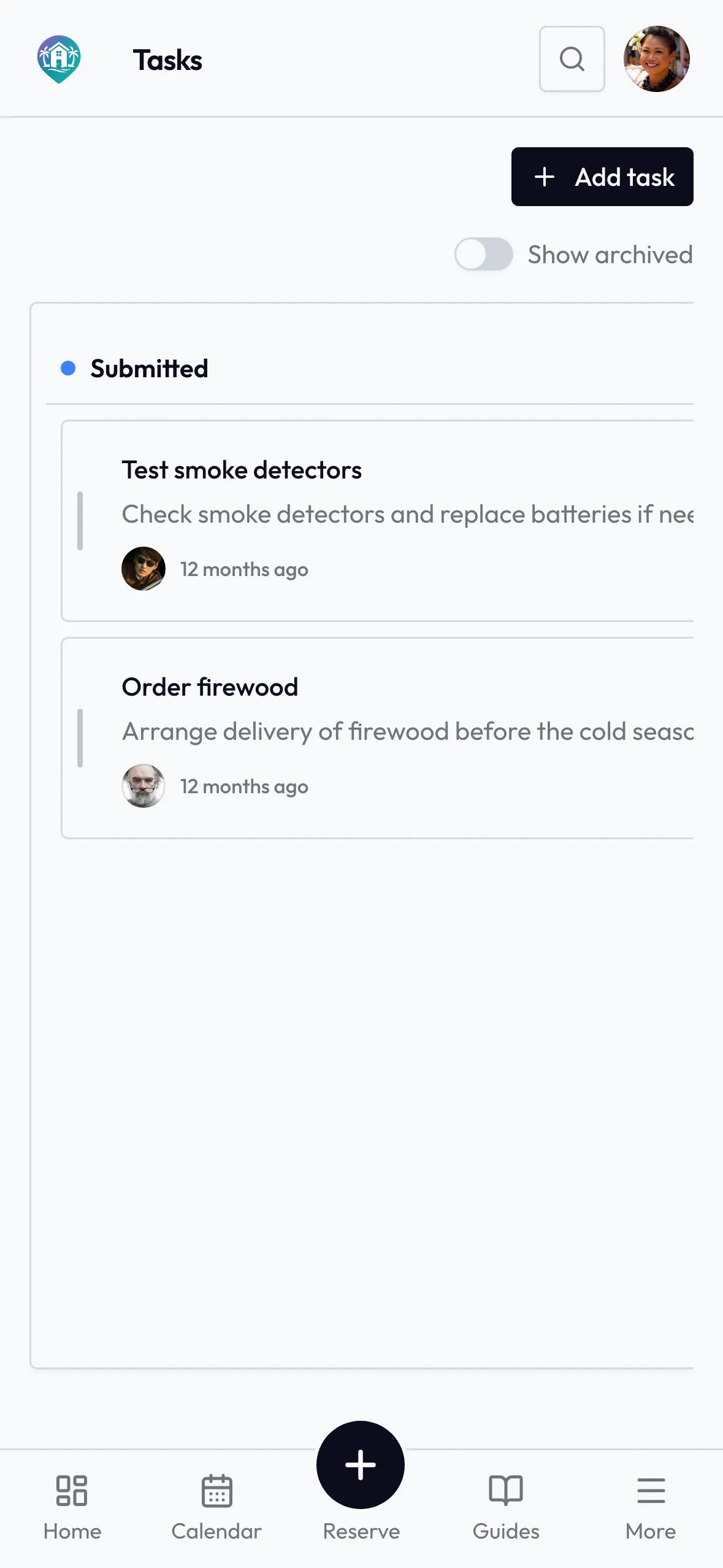
A log only works if the current jobs stay visible between stays — assigned, dated, and closed when the work is done.
Copy This Maintenance Log Template
Use the same fields for a leaking tap, an annual service, a damaged window, or a repair raised during a changeover. When damage is newly observed, start with the shared holiday home damage report template so the first time, location, factual condition and evidence remain distinct from later diagnosis, decisions and work. Delete optional fields only when the group has agreed where that information will live instead.
VACATION HOME MAINTENANCE LOG

Record ID:
Property:
Location / asset:
Work type: [ ] Observation  [ ] Repair  [ ] Recurring service  [ ] Improvement
Status: [ ] Reported  [ ] Approved  [ ] Scheduled  [ ] Completed  [ ] Deferred  [ ] Monitor
Priority: [ ] Emergency  [ ] Urgent  [ ] Planned  [ ] Improvement

REPORTED
Date and time observed:
Reported by:
Factual observation:
Immediate action taken:
Effect on normal use:
Photo / handover / task reference:

DECIDED
Decision needed:
Decision:
Approved by / date:
Responsible owner:
Target date:
Professional or supplier reference:

COMPLETED
Work completed:
Completed by / date:
Completion checked by / date:
Invoice / report / warranty reference:
Expense category / amount reference:

NEXT STEP
Current result:
Next action:
Next action owner:
Next review or service date:
Last updated by / date:
Keep access codes, payment details, medical information, and unnecessary personal data out of the log. Link to a controlled document when the group needs an invoice, report, warranty, or tightly framed photo.
Use 10 Fields That Carry the Whole History
The complete template is useful when a repair needs approvals and supporting documents. For a compact spreadsheet, these 10 fields are the minimum dependable record.
| Field | Record | Purpose |
|---|---|---|
| Record ID | A stable label such as M-2026-014 | Connects tasks, decisions, invoices, and messages without duplicating them |
| Asset and location | The exact item and where it is | Separates similar appliances, rooms, or recurring services |
| Observation | What was seen, heard, smelled, or reported, with a date | Preserves facts without guessing at a technical cause |
| Priority and status | One agreed priority and one current workflow state | Shows what needs attention and where the record has reached |
| Decision | Approve, investigate, monitor, defer, replace, or close | Prevents discussion from being mistaken for approval |
| Responsible owner | One co-owner accountable for the next step | Makes follow-up visible even when a professional does the work |
| Work completed | A short factual result and completion date | Records the outcome rather than merely “done” |
| Evidence reference | Link or filename for a relevant invoice, report, warranty, or photo | Keeps the log readable while preserving necessary support |
| Completion check | Who confirmed the agreed outcome and when | Distinguishes work performed from the record being closed |
| Next date | The next service, inspection, monitoring, or decision date | Carries the history into the next maintenance cycle |
The next date is essential. Without it, a completed service becomes an isolated receipt instead of a usable maintenance history.
Separate the Checklist, Handover, Task, and Log
These records work together, but they answer different questions.
- A vacation home maintenance checklist asks what should be checked or serviced and when.
- A deferred-maintenance triage plan asks which access, assessment, decision, funding, and scheduling gate an uncertain inherited backlog item needs before normal work begins.
- A changeover handover record asks whether the property is ready between two stays and who owns an exception.
- A task asks what one person needs to do next.
- The maintenance log asks what happened from the first observation through the next review or service date.
An owner-labour policy answers a separate question: whether a co-owner's proposed contribution is ordinary participation, reimbursable expense, approved recognisable work, or professional-only work, and what must be approved before it begins.
Do not copy a full repair history into every handover. Put the stable maintenance record ID or link in the handover, then let the responsible owner update the log. Likewise, do not use a completed task as the only history: a task can disappear from the active board while the invoice, result, and next service date still matter.
Move Each Record Through Seven Stages
One consistent workflow makes a spreadsheet or simple shared document much easier to trust.
1. Report the observation
Write what a person could directly observe: “water mark below the north bedroom window after rain” is better than “window seal failed.” Include the date, location, effect on normal use, and any immediate action.
If there may be an immediate risk to people or serious property damage, use the property’s approved emergency route and the appropriate local service or qualified professional. The log records coordination; it is not a diagnostic or emergency-response guide.
2. Classify the work
Choose one type:
- observation when the cause or work is not yet known;
- repair when an existing part needs to be restored;
- recurring service when the event repeats under a property-specific schedule;
- improvement when the group is considering a change or upgrade.
Keeping improvements separate stops optional projects from crowding out repairs. When the distinction affects insurance, tax, approvals, or ownership rights, use the appropriate local advice rather than relying on the label in this template.
3. Set priority and current status
Use the same priority definitions across the year: emergency, urgent, planned, or improvement. Then give the record one workflow status: reported, approved, scheduled, completed, deferred, or monitor.
Priority and status are different. An urgent repair can be scheduled, while a planned item can still be only reported. Avoid custom labels such as “nearly sorted” that different owners will interpret differently.
4. Record the decision
Write the decision, who approved it, and the approval date. If the group defers work, record why at a practical level, any temporary measure, the effect on use, and a mandatory review date.
“Discussed in chat” is not a decision. A usable entry says “approved for a qualified inspection; Morgan will arrange access by 12 August.” Apply the group’s existing spending and voting rules. The shared vacation home expense guide can help separate routine maintenance, unexpected repairs, and longer-term replacements.
5. Assign one responsible owner
The responsible owner carries the record to the next state. They might gather estimates, arrange property access, upload the report, or confirm the next service date. They do not need to perform technical work outside their competence.
If the owner changes, preserve the old name in the update history and record the handoff date. Do not leave a shared “all owners” assignment; it hides who must act next.
6. Record completion and check the outcome
Replace “fixed” with a short result: what work was performed, by whom, when, and what evidence was provided. Then record who checked the outcome against the agreed scope.
The completion check should stay within that person’s competence. It might confirm that a report was received, the affected area is usable, or the contractor recorded the requested service. It does not turn a co-owner into an inspector or prove legal, safety, insurance, or warranty compliance.
7. Set the next date
Close one-off work with a monitoring date when a follow-up is still needed. For recurring work, create or update the next service date using the manufacturer, insurer, qualified professional, and location-specific requirements that apply to the property.
Generate a starting schedule with the free maintenance schedule tool, then replace generic suggestions with the home’s actual requirements. Do not copy a universal internet interval into a safety-critical task.
Use Clear Status Rules
Agree what must be true before anyone changes a status.
| Status | Use it when | Required next detail |
|---|---|---|
| Reported | The observation is recorded but no action is approved | Decision owner and decision date |
| Approved | The scope or investigation may proceed | Responsible owner and target date |
| Scheduled | A visit, delivery, or work period is confirmed | Date, access owner, and booking impact |
| Completed | The agreed work and completion record are present | Outcome check and next date, if any |
| Deferred | The group has explicitly postponed a decision or work | Reason, current effect, owner, and review date |
| Monitor | No work is approved, but a defined condition needs rechecking | What to observe, who checks, and when |
Never mark a record completed solely because an invoice was paid. Payment, work performed, outcome checked, and next date are separate fields.
Worked Fictional Repair Record
This example shows the level of detail to use without attempting a technical diagnosis.
Record M-2026-014 — north bedroom window
- Reported: On 6 August at 09:10, Alex observed a new water mark on the internal wall below the north bedroom window after overnight rain. No active dripping was visible. Alex moved a chair away from the wall and added a photo reference that excluded people and belongings.
- Priority and effect: Urgent; the room remained out of normal use until the group obtained appropriate advice.
- Decision: On 6 August, the agreed decision owner approved a qualified inspection. Casey became the responsible owner and contacted the group’s selected local professional.
- Scheduled: Inspection booked for 8 August. Casey coordinated access and checked that the visit did not overlap a stay.
- Completed: The professional’s written report and completed work description were stored under document reference M-2026-014-R1. The invoice amount was recorded in the shared expense ledger, not copied into chat.
- Checked: Casey confirmed on 9 August that the report was present, the agreed work entry was complete, and the room-use note had been updated. This was an administrative check, not an independent technical inspection.
- Next date: Recheck the recorded area after the next relevant weather event on 16 August; Casey owns the check. Follow any further date stated by the professional.
The example is fictional. It deliberately records an observation, access decision, documents, and follow-up without claiming why the mark appeared or telling an unqualified person how to repair it.
Reference Attachments Without Turning the Log Into an Archive
Attach or link only what helps the group operate the home. The shared holiday home document register template can index the approved report, manual, warranty, or invoice set while this log preserves the observation-to-completion history:
When an item also has a receipt, written warranty, model or serial identifier and a possible claim route, use the shared holiday home warranty register template for that source map. Keep assessment, approved work, provider evidence and the next maintenance date in this log; neither record validates cover, workmanship or safety.
When a cleaner, tradesperson, inspector, caretaker, or other approved provider attends the property, use the shared holiday home provider visit record template for that appointment's scope, host, permitted area, arrival, provider-report reference, departure, access closure, and follow-up. Keep the lasting issue and next property date in this maintenance log.
- a professional report or service record;
- an invoice linked to the expense record;
- a warranty or manufacturer document;
- a tightly framed before or after photo when it serves a defined purpose;
- an approval record when the work required one.
Use predictable names such as M-2026-014-window-service-report.pdf. Put the stable record ID in the filename and expense entry so co-owners can reconnect the history without searching several message threads.
Avoid copies of identity documents, card or bank details, alarm and key-safe codes, broad photos of private belongings, medical information, or speculation about who caused damage. Store property access information in its approved location rather than repeating it in maintenance records.
Set a retention rule that reflects the document’s purpose and any applicable warranty, insurer, professional, legal, tax, employment, or local requirement. Do not invent one universal deletion period. Review access when an owner, worker, or service provider changes.
Run a 15-Minute Monthly Log Review
Review exceptions instead of reading every completed record.
- Check emergency and urgent records first.
- Find reported items without a decision owner.
- Find approved or scheduled items without a responsible owner or target date.
- Review every deferred item whose review date is due.
- Confirm recent completions have an outcome check and a next date where needed.
- Compare invoice references with the expense ledger without duplicating payment data.
- Update the recurring schedule from completed service records.
The maintenance team guide can help divide on-site checks, contractor coordination, records, and supplies between nearby and remote owners. Rotate administrative work where practical; proximity should not automatically make one household the permanent unpaid coordinator.
Set Up the Log in 30 Minutes
Minutes 0–10: Choose one home
Pick one shared spreadsheet, document, or task system. Agree the record ID format, statuses, priorities, and where controlled supporting documents will live.
Minutes 10–20: Import open work
Add only current repairs, deferred decisions, active monitoring, and the next recurring services. Do not spend the session reconstructing years of uncertain chat history.
Minutes 20–30: Test one record
Take a real open item through observation, decision, responsible owner, target date, evidence reference, and next date. If any field has no owner or agreed location, fix that boundary before importing more records.
Shared Holiday Homes includes shared tasks and a document area for private co-owner groups. A group can use those alongside this log structure so the next action and its supporting file remain findable without pretending the software is a professional maintenance service.
FAQ
What belongs in a vacation home maintenance log?
Record a stable ID, asset and location, dated observation, priority, status, decision, responsible owner, work result, evidence reference, completion check, and next review or service date. Add approval and expense references when relevant.
Is a maintenance log the same as a maintenance checklist?
No. A checklist defines recurring work and timing. The log preserves what happened to a specific observation, repair, or service from report through completion and the next date. Use both, but do not duplicate the full history in the checklist.
Can co-owners keep the log in a spreadsheet?
Yes. Use one shared version, protect any restricted supporting documents separately, and make status, responsible owner, last update, and next date easy to filter. A spreadsheet is enough when everyone updates the same record rather than discussing changes only in chat.
Who closes a repair record?
The responsible owner should assemble the completion entry. A second agreed person can confirm that the promised record, report, or practical outcome is present. That check must stay within their competence and does not replace a qualified inspection.
How should recurring services appear?
Keep the completed service as history and set the next property-specific date. When useful, create the next task with a link back to the prior record. Follow relevant manufacturer, insurer, professional, and local requirements rather than a universal interval.
Should the log include every invoice and photo?
Reference only the evidence needed for the work, warranty, expense, or group decision. Keep payment details and unnecessary personal information out. Store controlled files in their proper document location instead of filling the log or group chat with copies.
Does the template prove that maintenance is compliant or safe?
No. It is an operating record for co-owners, not proof of inspection, workmanship, legal compliance, insurer acceptance, or safety. The applicable professional, manufacturer, insurer, authority, and property documents remain the source for those requirements.
Turn Completed Work Into a Usable History
Copy the template, create one stable record for the next open repair, and make the next date mandatory. That small step turns a checked-off task into history another co-owner can understand months later.
Use the maintenance schedule generator to prepare recurring work, then keep the task result, supporting document reference, and next action together. When your group wants shared bookings, tasks, documents, and property information in one private workspace, start a free trial.


